Hearts

Solid heart
Customise in the studio →
Heart outline
Customise in the studio →
Heart with border
Customise in the studio →
Row of hearts
Customise in the studio →Flowers and leaves
Six-petal flower
Customise in the studio →
Daisy
Customise in the studio →
Rosette
Customise in the studio →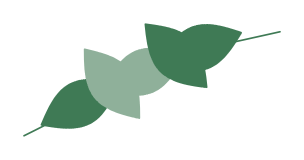
Leafy sprig
Customise in the studio →Shapes and frames

Star
Customise in the studio →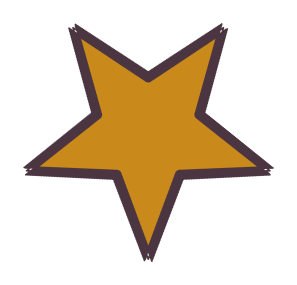
Outlined star
Customise in the studio →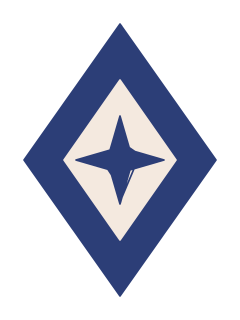
Nordic diamond
Customise in the studio →
Dotted circle
Customise in the studio →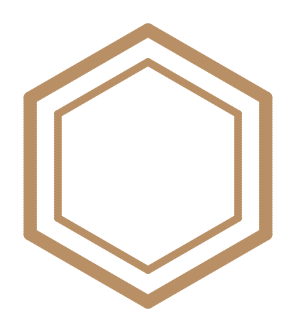
Hexagon frame
Customise in the studio →Christmas and winter
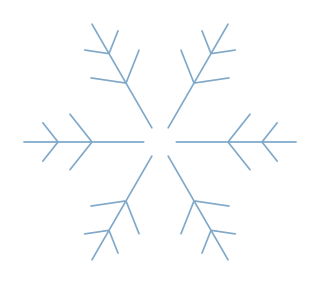
Snowflake
Customise in the studio →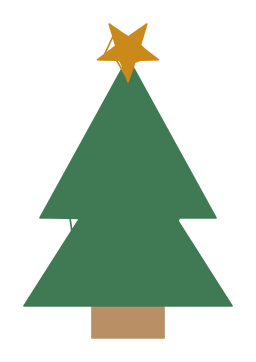
Christmas tree
Customise in the studio →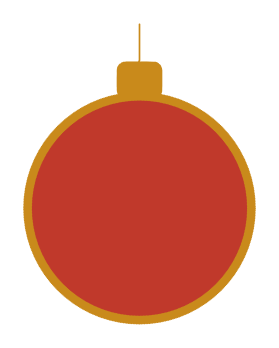
Bauble
Customise in the studio →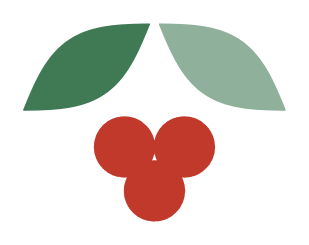
Holly
Customise in the studio →Baby and kids

Cloud and stars
Customise in the studio →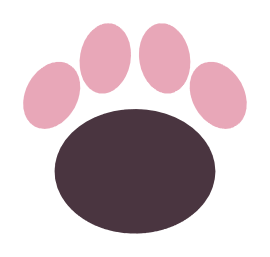
Cat paw
Customise in the studio →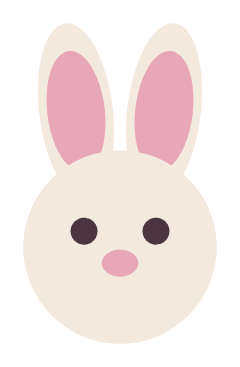
Bunny head
Customise in the studio →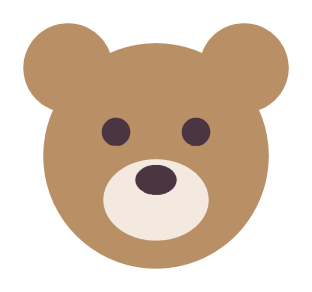
Teddy head
Customise in the studio →Cute animals
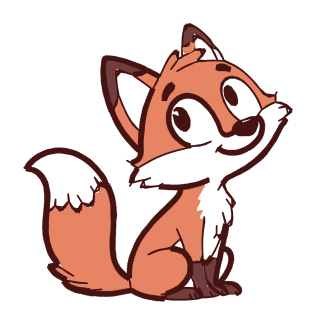
Fox
Customise in the studio →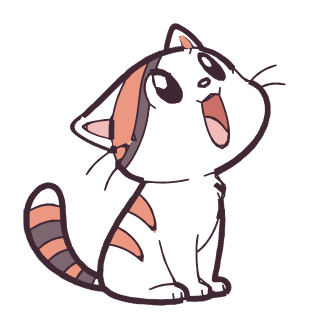
Cat
Customise in the studio →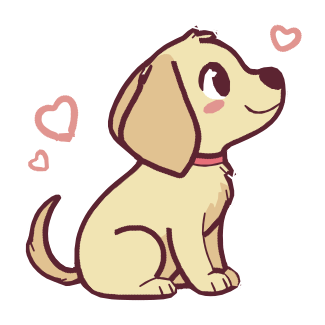
Puppy
Customise in the studio →
Panda
Customise in the studio →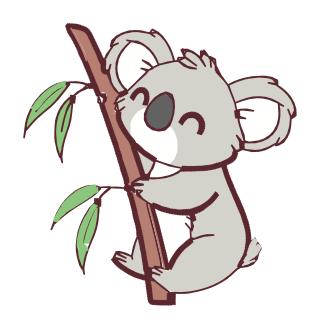
Koala
Customise in the studio →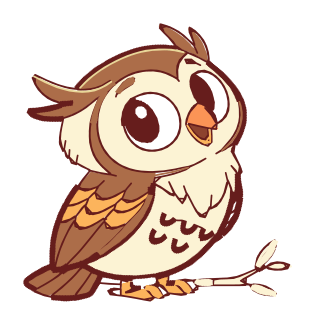
Owl
Customise in the studio →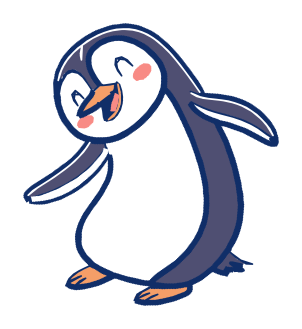
Penguin
Customise in the studio →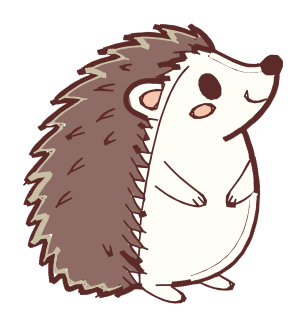
Hedgehog
Customise in the studio →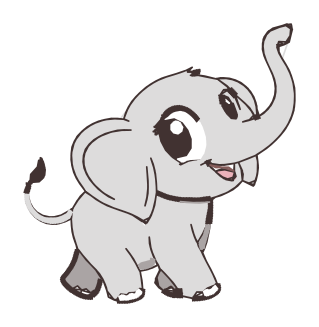
Baby elephant
Customise in the studio →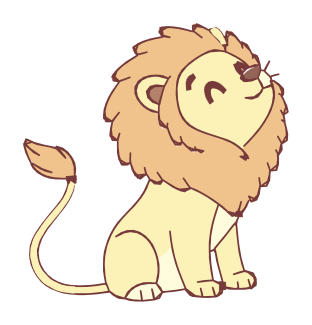
Lion cub
Customise in the studio →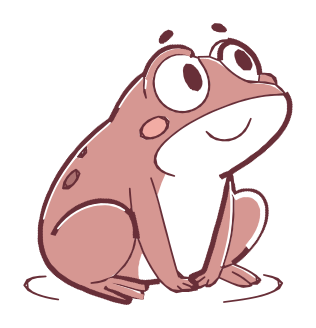
Frog
Customise in the studio →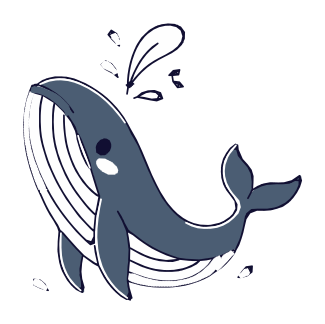
Whale
Customise in the studio →Monograms and names
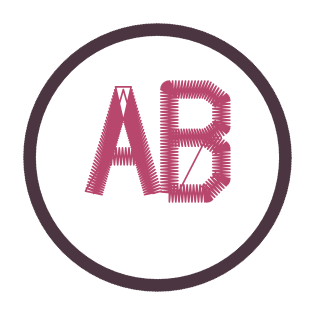
Circle monogram
Customise in the studio →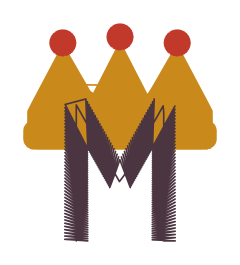
Crowned monogram
Customise in the studio →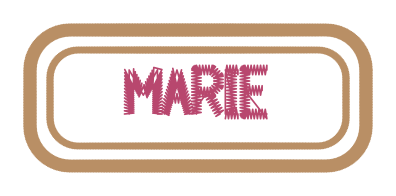
Name frame
Customise in the studio →Patches

Frequently asked questions
Are the designs really free?
Yes, with no account and no sign-up. Every design downloads directly in all six formats. The free account only exists to make your own files from your own images.
Why are some designs paid?
Paid designs, marked with their price, take more drawing and fine-tuning. They are bought one by one, with no account and no subscription, and download straight away in all six formats, with their embroidery sheet. Studio subscribers get 3 free each month, Studio+ 10. Free designs stay free.
How do I download a design?
Click the format your machine reads, under the design’s preview: PES for Brother and Baby Lock, JEF for Janome and Elna, VP3 for Husqvarna Viking and Pfaff, DST for industrial machines, EXP for Melco and Bernina, HUS for older Husqvarna. The file lands in your downloads: copy it to the USB stick or send it to the machine.
Which format for a Brother?
PES. The Brother machines page explains transfer by USB stick, cable or Artspira.
Can I customise a design?
Yes: “Customise in the studio” opens the full design, object by object. Change the size, thread colours, density and text, or add a border. The stitches are recalculated for the size you choose.
Can I change the size?
Yes, but in the studio rather than by resizing the file on the machine: a scaled file keeps its original stitches, the density changes and the embroidery distorts. In the studio, the stitches are rebuilt for the new size.
What hoop size do I need?
The designs fit a 100 × 100 mm (4 × 4 in) hoop, the most common one. The exact size, stitch count and stitching time are shown under each preview.
Can I put my name instead of MARIE?
Open “Name frame” in the studio, select the text and type the name: the embroidery is recalculated at once. For a whole batch of names in one go, that is the series feature of the Atelier+ plan.
Can I sell what I stitch with them?
Yes, in series too: garments, bags, linen, gifts. Only the files themselves must not be resold or passed on as your own.
Which fabric should I stitch them on?
On canvas, cotton or linen, a tear-away stabiliser is enough. On knit, jersey or sweatshirt fabric, use a cut-away stabiliser. If in doubt about the density, run the file through the file check.
How are these designs made?
Each design is set up for embroidery: tight tatami fills, compensated satin columns, underlay beneath solid areas, tie-offs and trims where they belong. That is what separates a file that stitches well from a hastily converted picture, and it is the same process used when you stitch your own image.
Go further
The studio is free to draw, open and check designs. Your first machine file takes five minutes.
Updated 2026-09-24.